SXF RESEARCH EXPLAINER
What the technical evidence means.
TECHNICAL ANALYSIS / 01
What is GitHub Copilot Evals and why was it introduced?
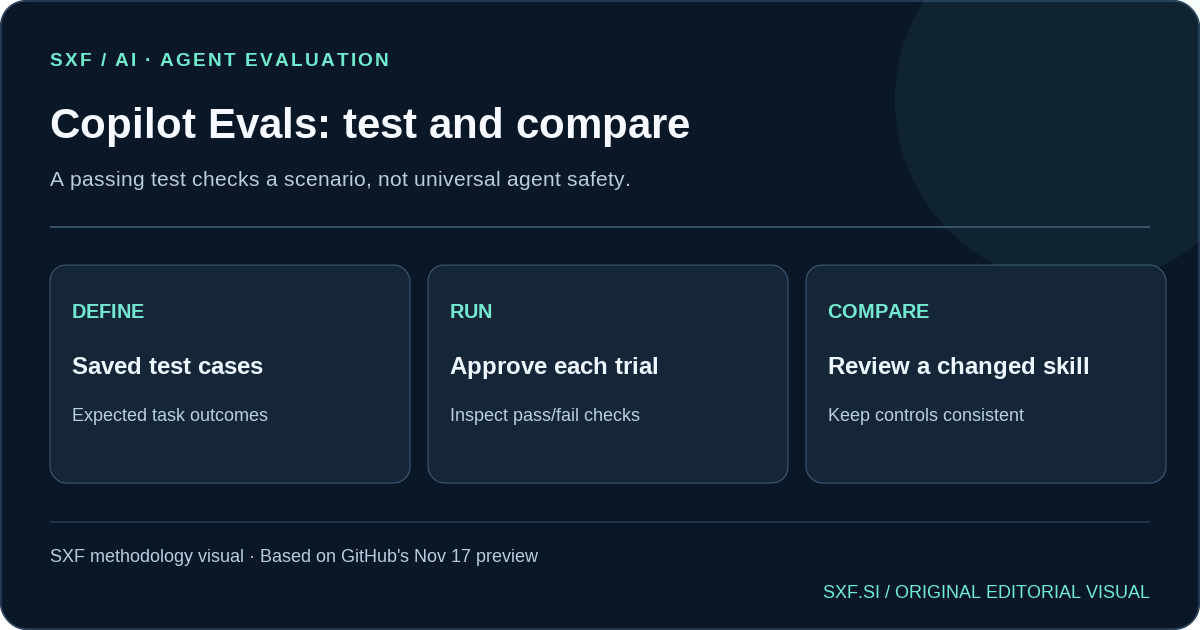
GitHub Copilot Evals is a public-preview workflow for testing Copilot customizations against saved scenarios. GitHub specifically includes skills, custom agents and MCP tools. Instead of looking at one successful AI answer, a developer can describe the expected behavior, run an evaluation, inspect which checks failed and repeat the same evaluation after modifying the relevant prompt or tool. The evaluation engine is an extensible local tool named Vally.
This addresses a genuine problem in agent engineering: an improved instruction for one case may break another. A single prompt is a demonstration, not a regression suite. The larger question is whether a changed skill still meets stated acceptance criteria on examples it has not been optimized solely to flatter. SXF's AI agent evaluation checklist provides broader principles for designing those checks.
Check primary-source evidence ↗
TECHNICAL ANALYSIS / 02
How do you install Copilot Evals in VS Code, CLI or the Copilot app?
GitHub lists three starting paths in its announcement. In Visual Studio Code, install the GitHub Copilot Evals extension from the marketplace. In Copilot CLI, install the Evals plugin using the official getting-started instructions. In the GitHub Copilot app, open Customize, add the github/evals marketplace and install the plugin. The documented interface supports requests such as /eval as well as natural-language instructions.
This is a public preview for named Individual, Business and Enterprise plans. Access does not imply an identical setup on every managed machine; check organization policy, permitted extensions and the selected execution environment before beginning. GitHub's official getting-started guide is the authoritative source for current command syntax and supported environments. Avoid using unverified third-party install snippets copied from unrelated tutorials.
Check primary-source evidence ↗
TECHNICAL ANALYSIS / 03
What should a good Copilot eval test case contain?
Start with a task that has a verifiable expected result, such as a pull-request summary that must distinguish implemented changes from deferred work. Provide representative input and acceptance checks: required sections, absence of unsupported claims, preservation of test evidence and refusal to follow instructions inserted inside untrusted change notes. GitHub's own illustrative interface shows saved YAML cases and separate check outcomes, but those sample results are demonstrations, not published independent benchmark scores.
Build a small suite spanning normal, edge and adversarial situations. A case should not pass just because the agent writes fluent prose; it should pass for a clearly observed and reproducible outcome. For coding tasks, add conventional tests for syntax, behavior and security alongside the agent-specific checks. The SXF AI agent testing tools guide explains why multiple independent verification layers matter.
Check primary-source evidence ↗
TECHNICAL ANALYSIS / 04
How do you compare Copilot Evals runs without misleading yourself?
A sensible before/after comparison fixes the task inputs, evaluation rules, authorized tools and environmental conditions as far as possible. Then change one factor at a time: for example, a skill instruction or a model choice. Record each case's pass/fail result, human corrections, resource consumption and observed side effects, and review failures rather than reporting only an aggregate success rate.
Repeated agent executions can vary, so one green test does not guarantee the same response on another run. When the agent uses an MCP tool, also verify external service state and whether the action was authorized. Report the test suite's coverage explicitly; a narrowly chosen test cannot establish general agent performance. See SXF's independent agent reliability research for the distinction between nominal success and repeated task completion.
Check primary-source evidence ↗
TECHNICAL ANALYSIS / 05
SXF analysis: evaluation results are not the same as runtime safety
GitHub's illustrative run-approval screen warns that an evaluation can consume model tokens or credits and that tool execution may access the file system or network; it even notes that cancellation cannot undo earlier writes. Treat the test harness as executable tooling. Use disposable environments, avoid production credentials, review test input and tool permissions, and estimate the cost of trial counts before launching a large suite.
Evaluation and containment solve different problems. An eval checks whether a customized agent performed a selected task; a sandbox constrains what a command can read or change. The SXF Codex sandbox security guide explains why a successful evaluation cannot substitute for file or network permissions. The strongest agent program combines bounded execution, task-level checks, audit logs and independent review, with no single indicator treated as a certificate of safety.
Check primary-source evidence ↗
TECHNICAL ANALYSIS / 06
How should a team decide whether to adopt Copilot Evals?
Evals is most valuable when a team repeatedly edits the same skills, agent instructions or MCP behavior and can define observable expected outputs. It is less useful for one-off tasks without stable criteria, or when the team lacks a safe place to execute the tool calls being tested. Begin with a small, high-value skill, two success scenarios and two failure or malicious-input cases, then preserve the baseline results before changing anything.
After the pilot, judge whether the saved checks prevented a real regression, whether false passes required manual investigation and whether the evaluation effort was smaller than the errors it caught. This proposed adoption scorecard is an SXF methodology, not a claim that GitHub supplied those metrics. Public preview status also means teams should watch for documentation and interface changes before standardizing policy.
Check primary-source evidence ↗